Have you ever wished for a premium video conferencing application that could help you manage your team virtually from anywhere in the world without any hassles or lag? GoTo Meeting might be exactly what you need.
Core communication tools
Filled with all the necessary features and avoiding unnecessary bloat, GoTo Meeting is a highly capable application for real-time video communication that you can launch from anywhere. You also get full access to integrated text chat and standard audio calls.Subscription models and free trial
GoTo Meeting is premium software, so it requires a paid subscription. You can grab a 14-day free trial just by signing up with your email address, giving you a chance to test the platform before committing to a permanent license.
Pricing naturally varies depending on your chosen tier, your region, and any active promotional discounts.Tier options for any team size
You can choose from three main subscription tiers. The Professional tier supports up to 150 meeting participants and packs all the basic features you expect from a business suite. You get HD video calls, screen sharing, presentation tools, dedicated conference lines, and absolutely no time limits on your meetings.
If the Professional tier isn't quite enough, the Business and Enterprise options step things up. These higher tiers offer excellent premium upgrades, including support for up to 250 participants, advanced access controls, on-screen drawing tools, and a smart assistant for automated note-taking.A clean, functional interface
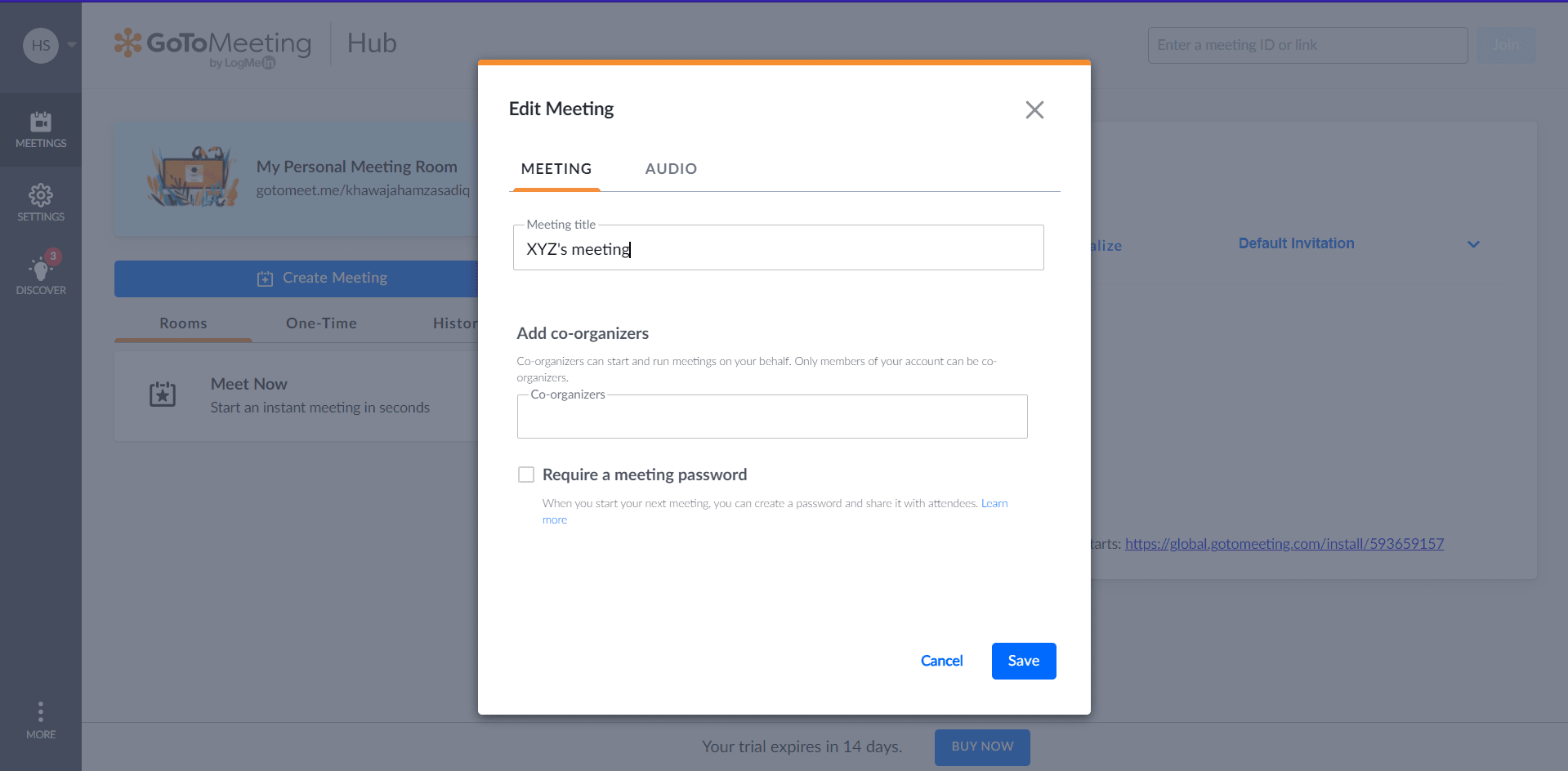
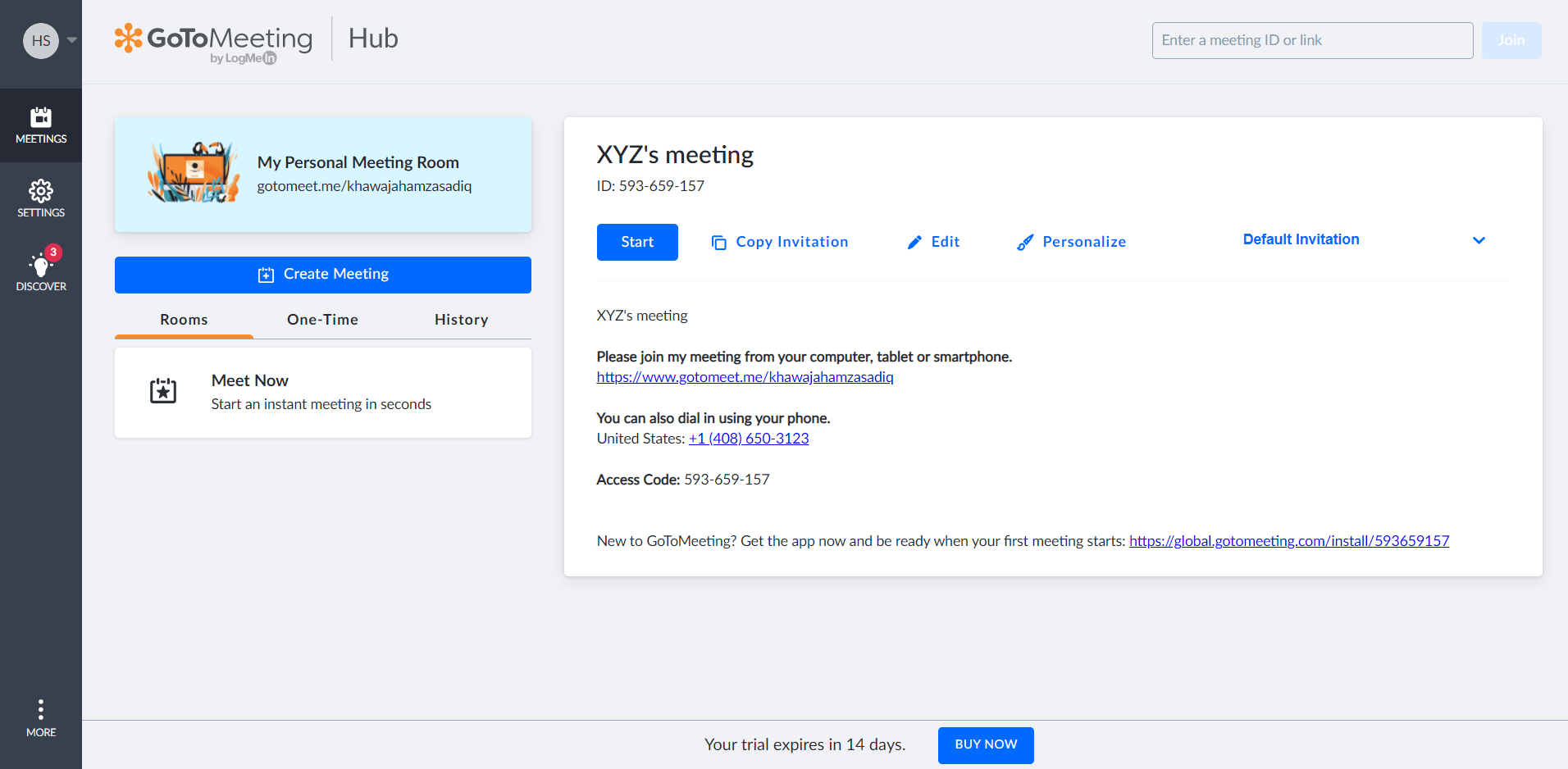
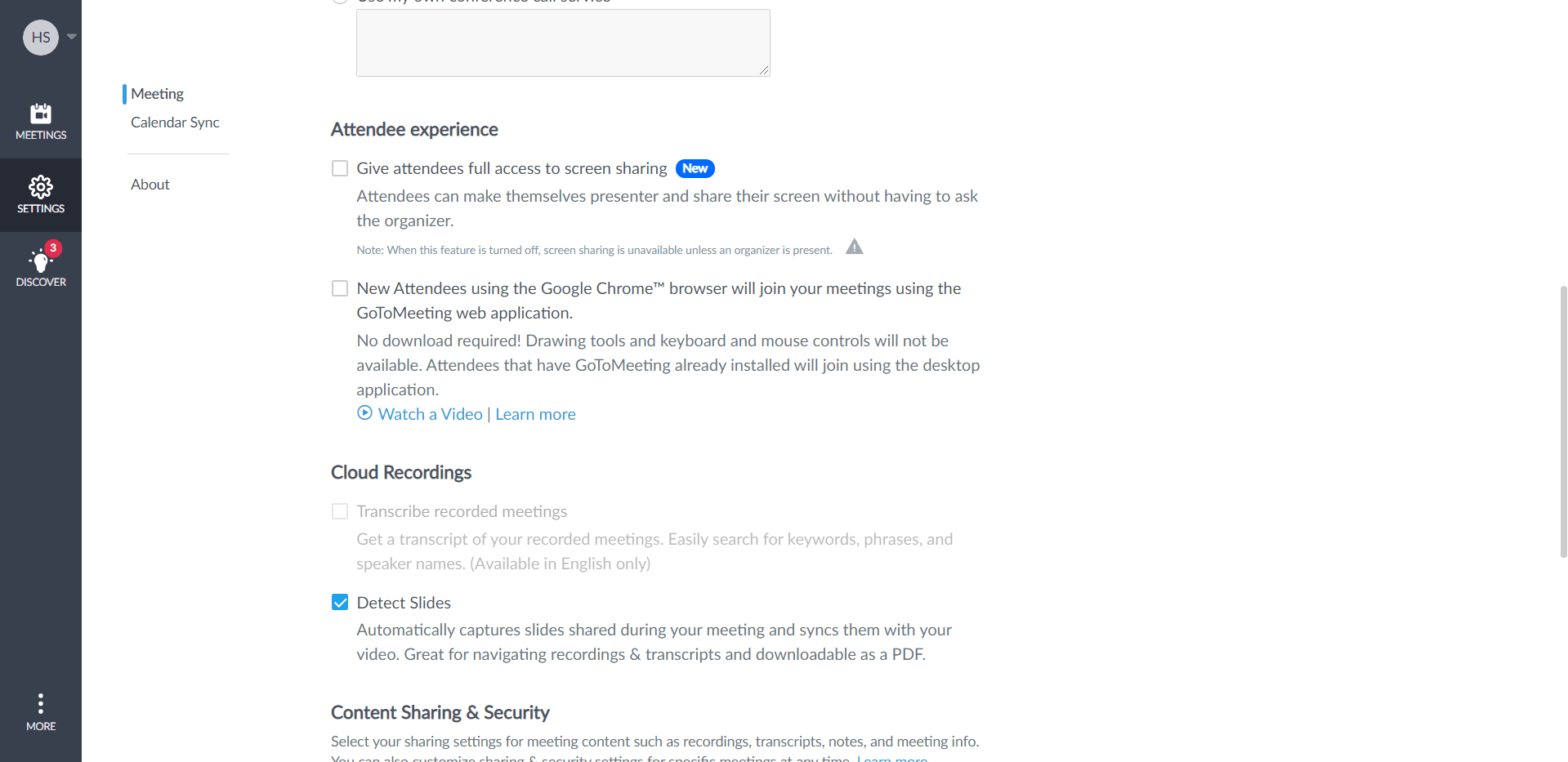
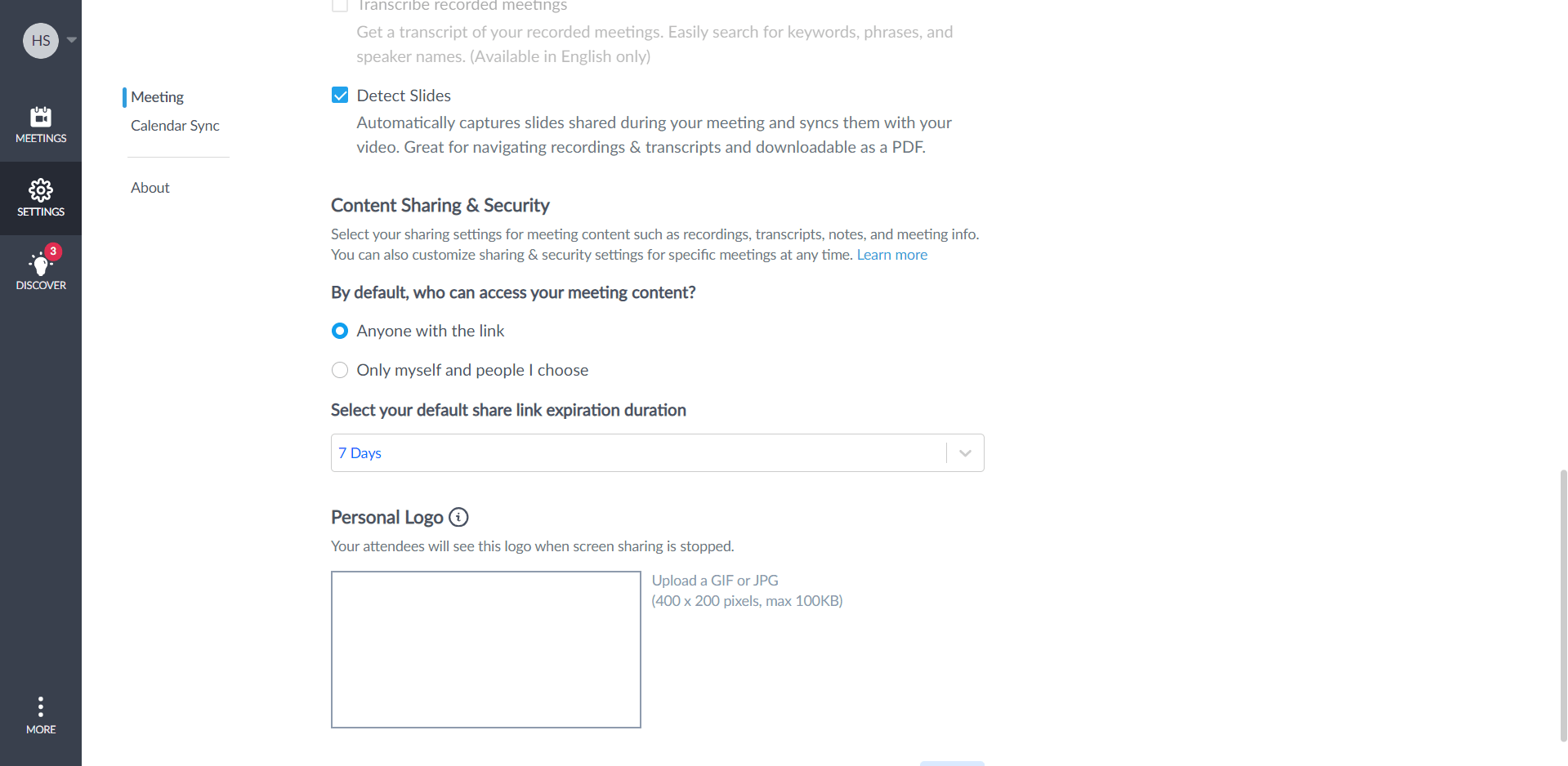
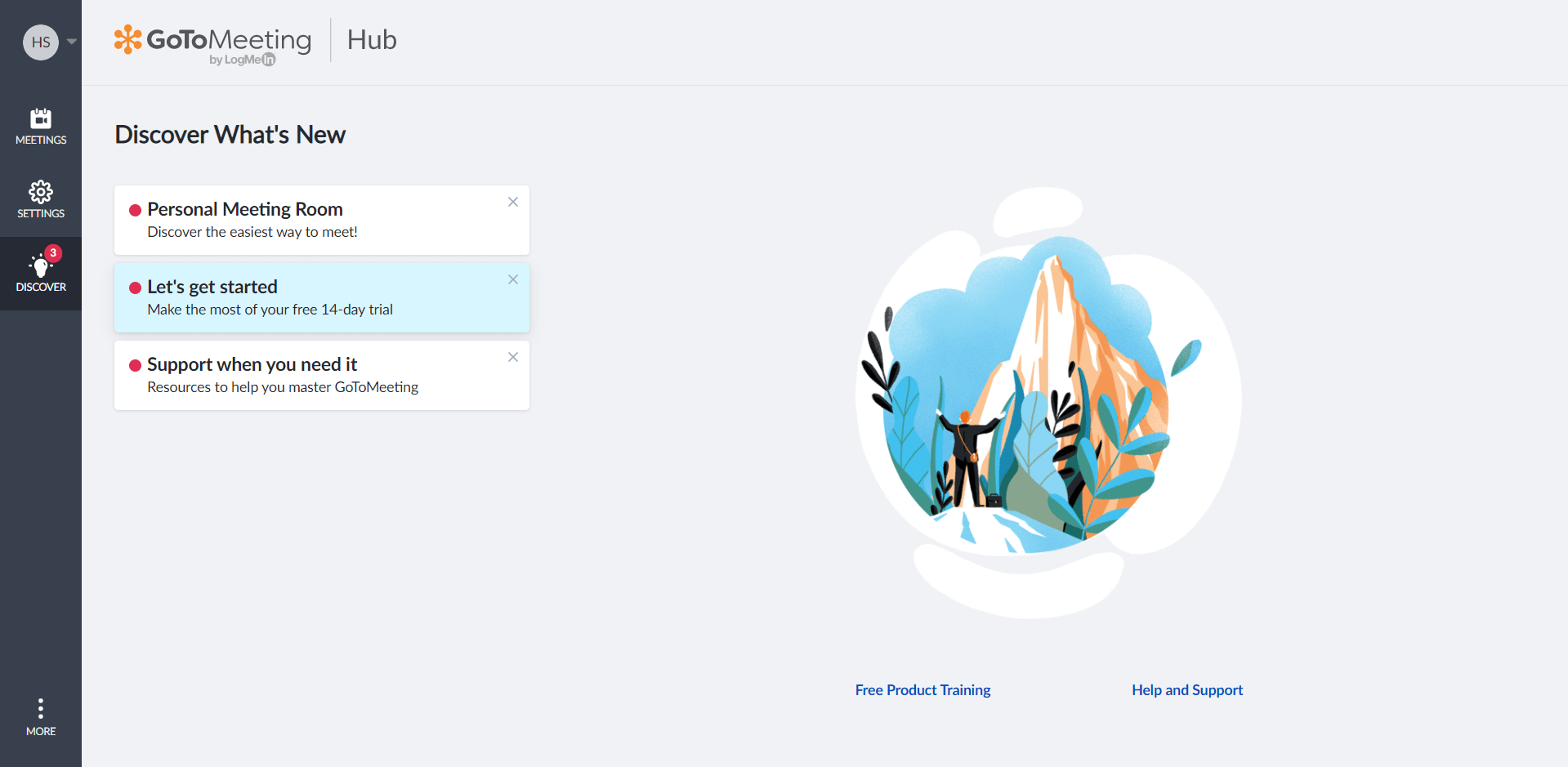
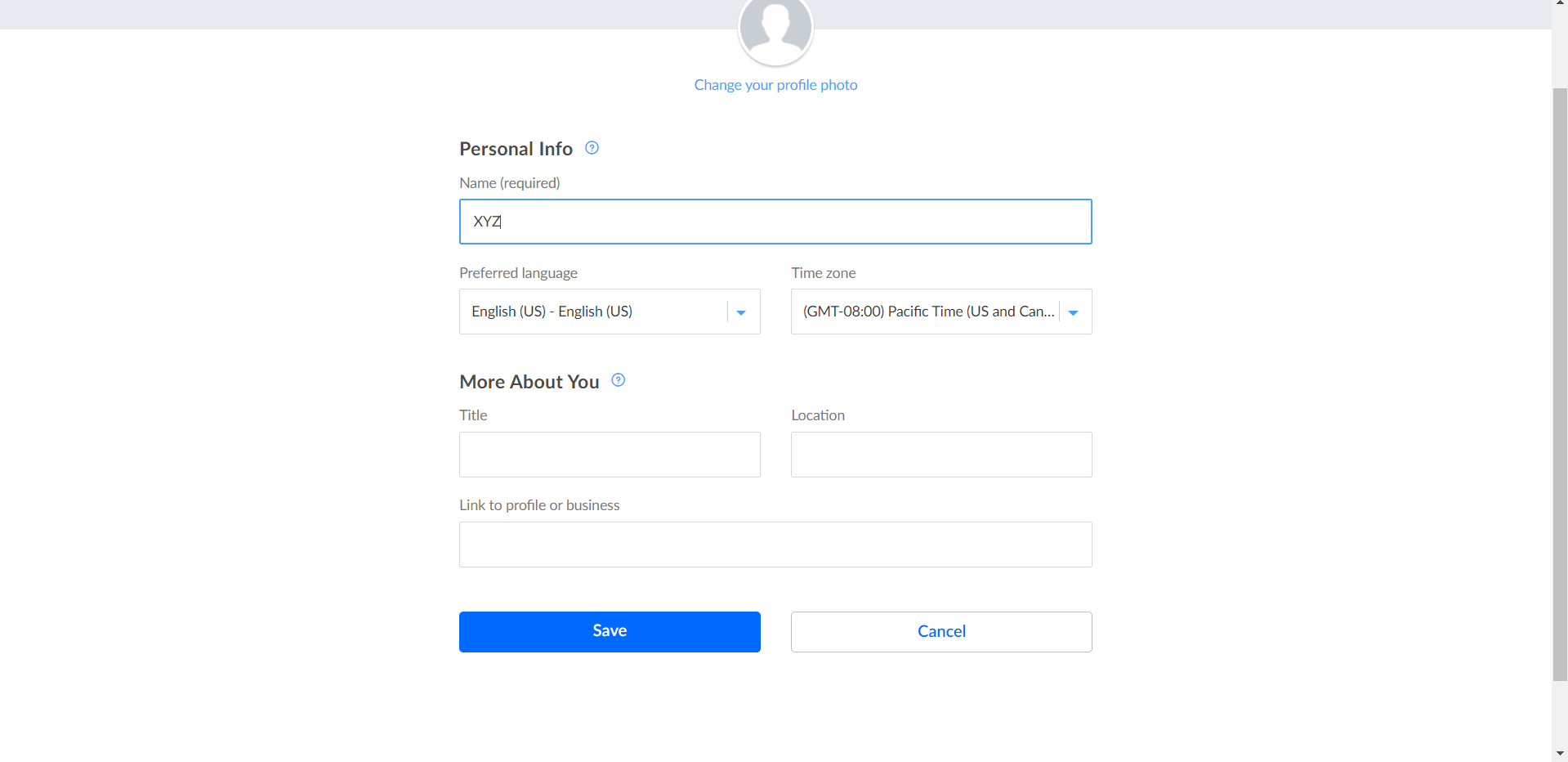
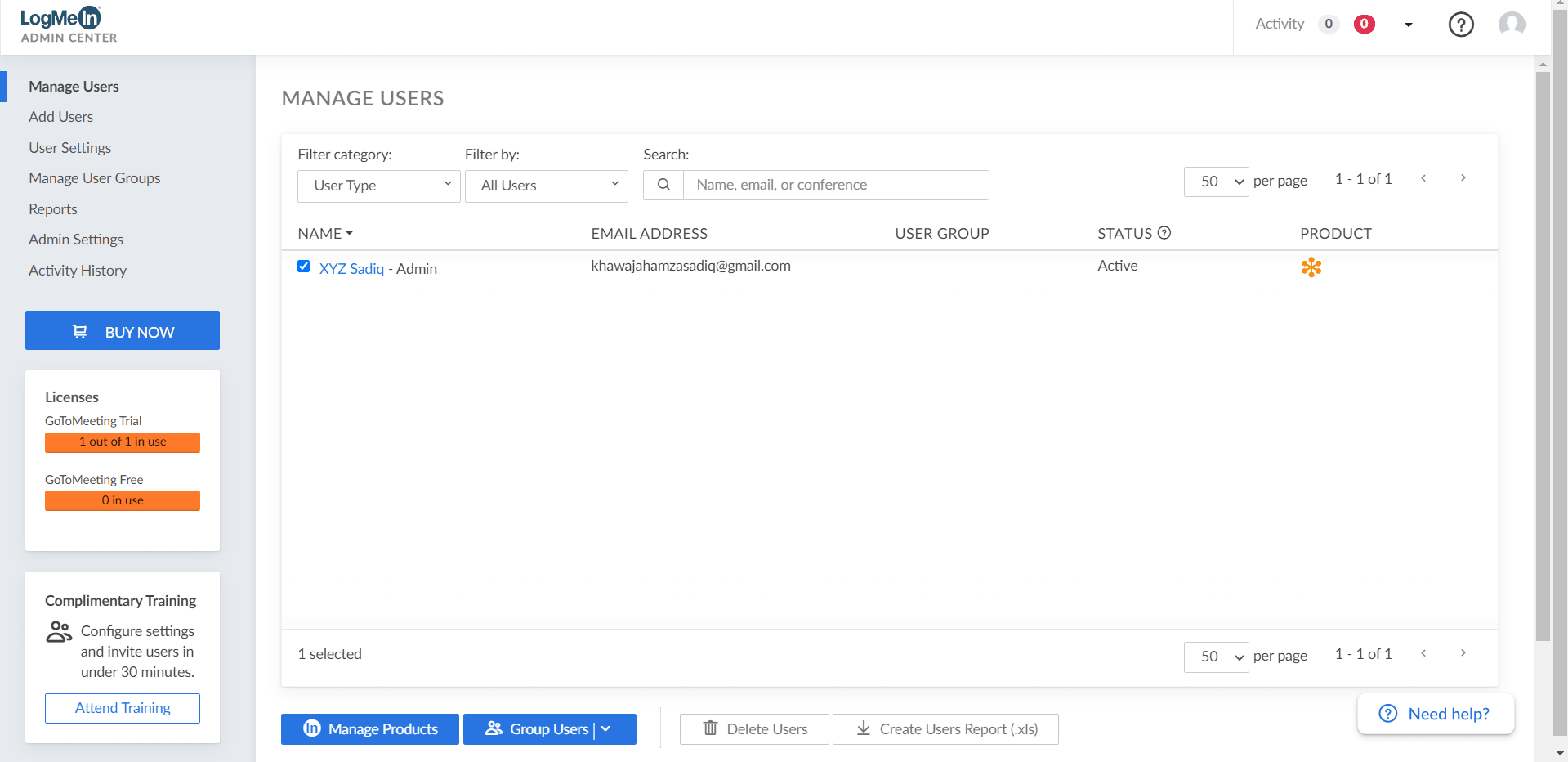
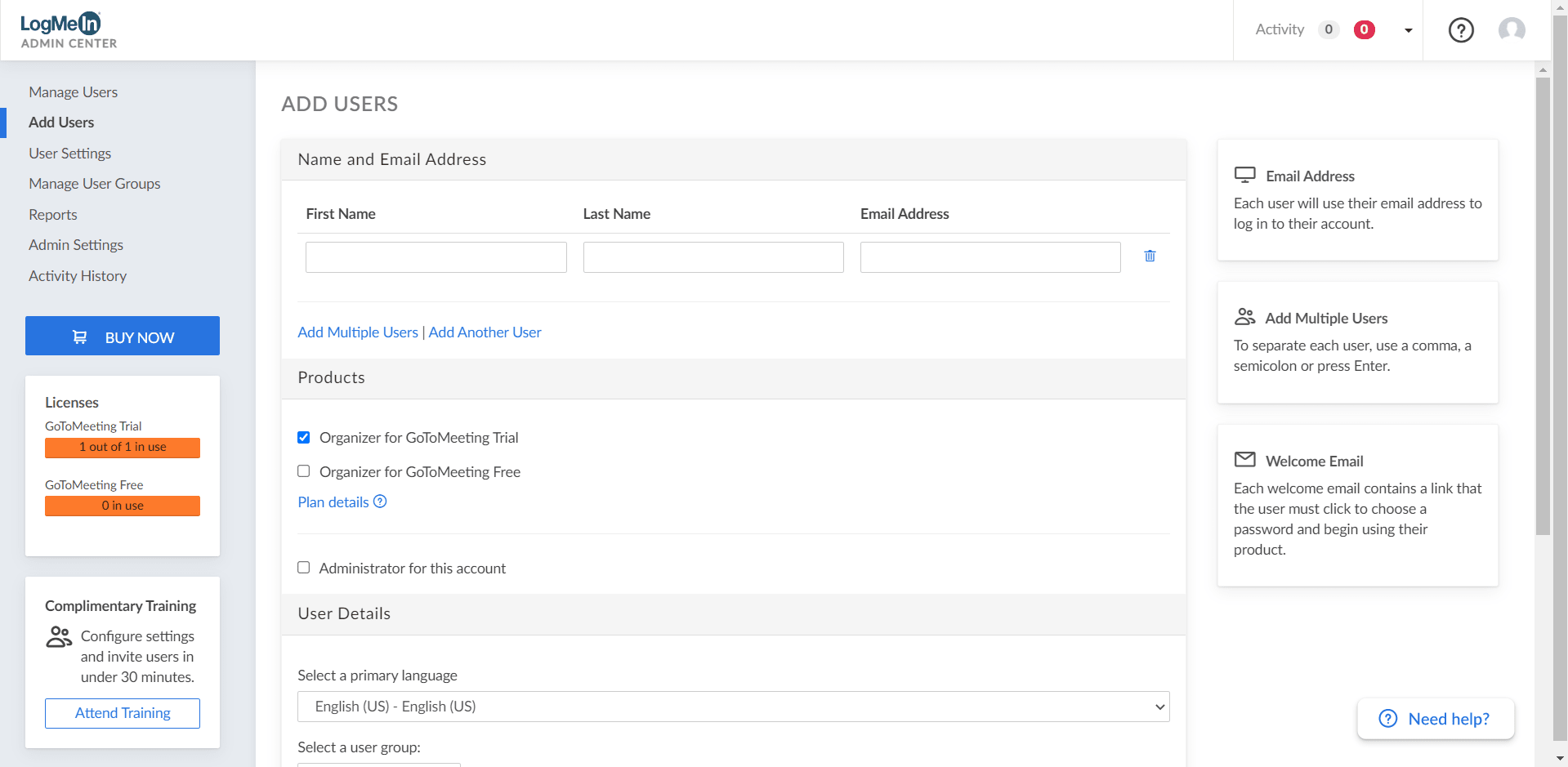
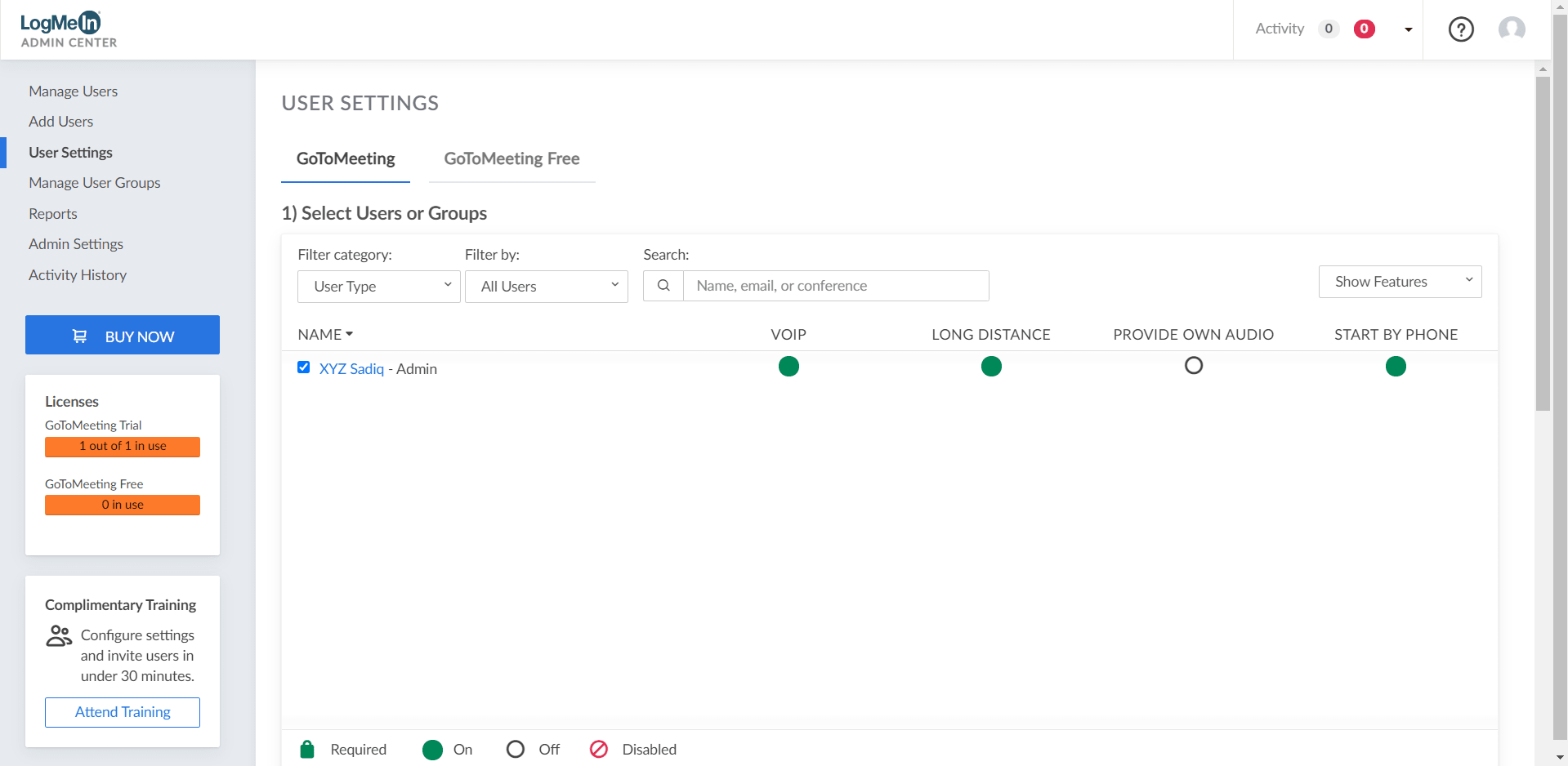
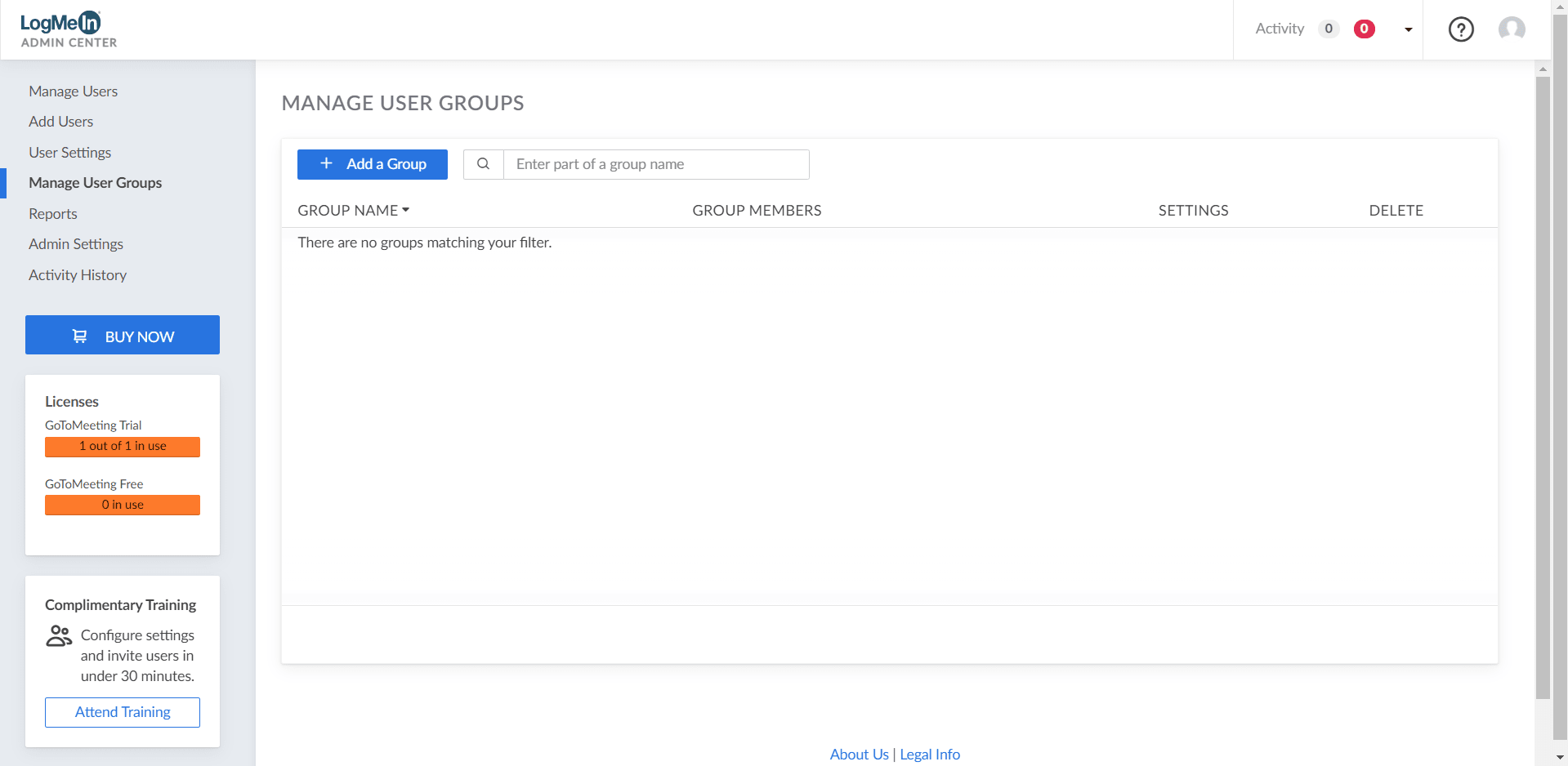
One of the best aspects of GoTo Meeting is its incredibly straightforward user interface, which you can see in the screenshots. It takes very little effort to set up and start a call. The layout avoids unnecessary clutter, ensuring everything works perfectly fine. You also get handy visual features, like native background blurring directly within the app.A reliable choice for virtual teams
GoTo Meeting serves as a strong premium option if you need an application that handles all the basics and scales up for larger organizational needs. It isn't free, but if your company requires a dependable remote conferencing tool, it easily justifies the investment.